
Settings
Click menu button ( ) on either sides of the standby screen, and then click (
 ) . It shows following settings.
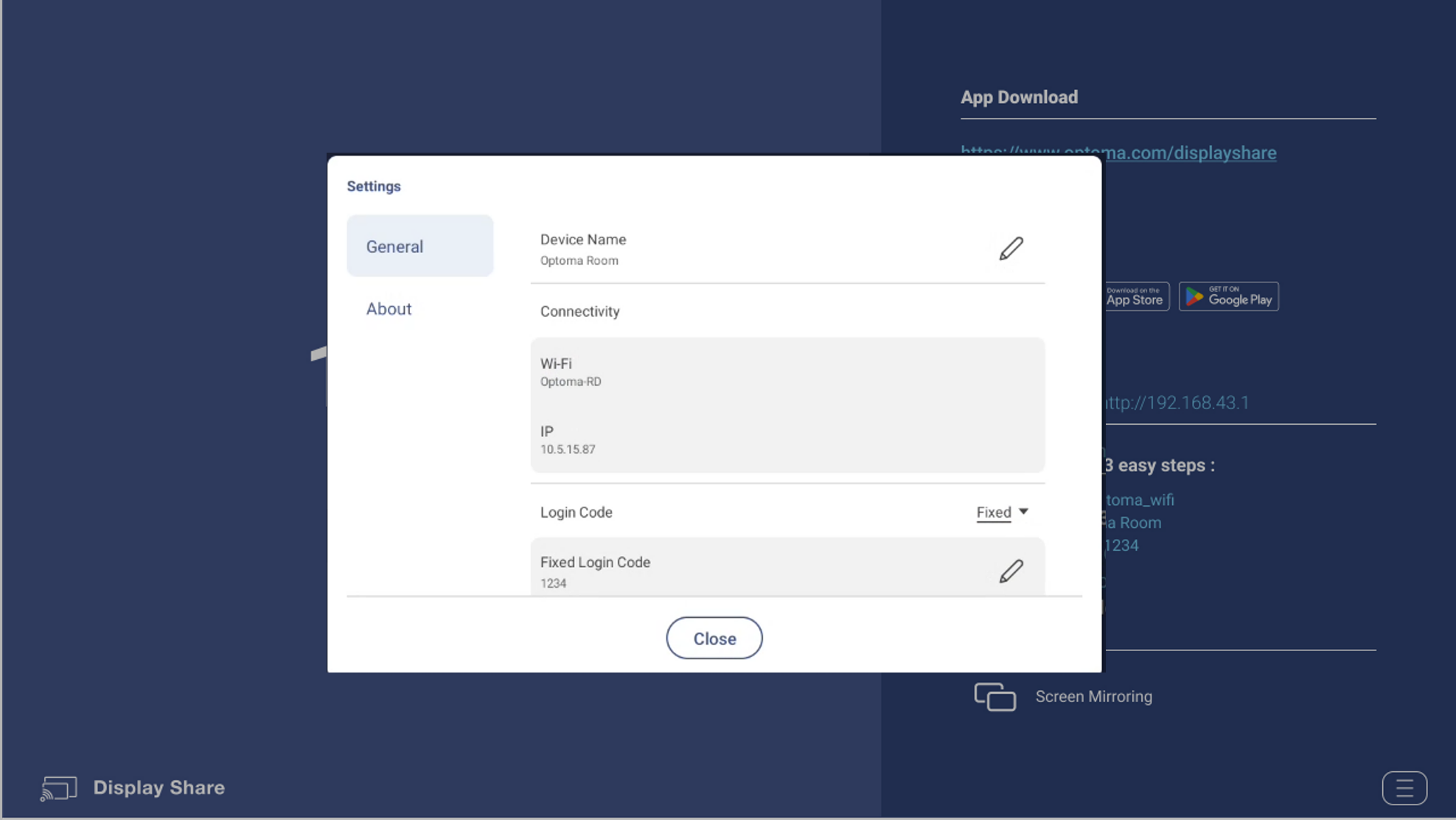
- General
- Device Name
- The name which Display Share sender app can discover.
- Connectivity
- Wi-Fi : The SSID of WiFi router which Optoma device connects to.
- IP: The IP address.
- Login Code
- Disable/Random/Fixed [The default value is “Random”.]
- Login Code Window
- On or off floating window code [The default value is “On”.]
- Permission
- On or off Airplay/Chromecast/Miracast
- Device Name
- Moderator
- Admin Password
- The password for Moderator administrator. [The default value is “admin”.]
- Admin Password
- About
- Version
- Version number.
- Open Source License
- List all open source libraries which Display Share receiver app is using.
- Version
這篇文章有幫助嗎?
如果你覺得這篇文章有幫助,請讓我們知道。